Travel Security Guide: Avoid Scams, Protect Devices
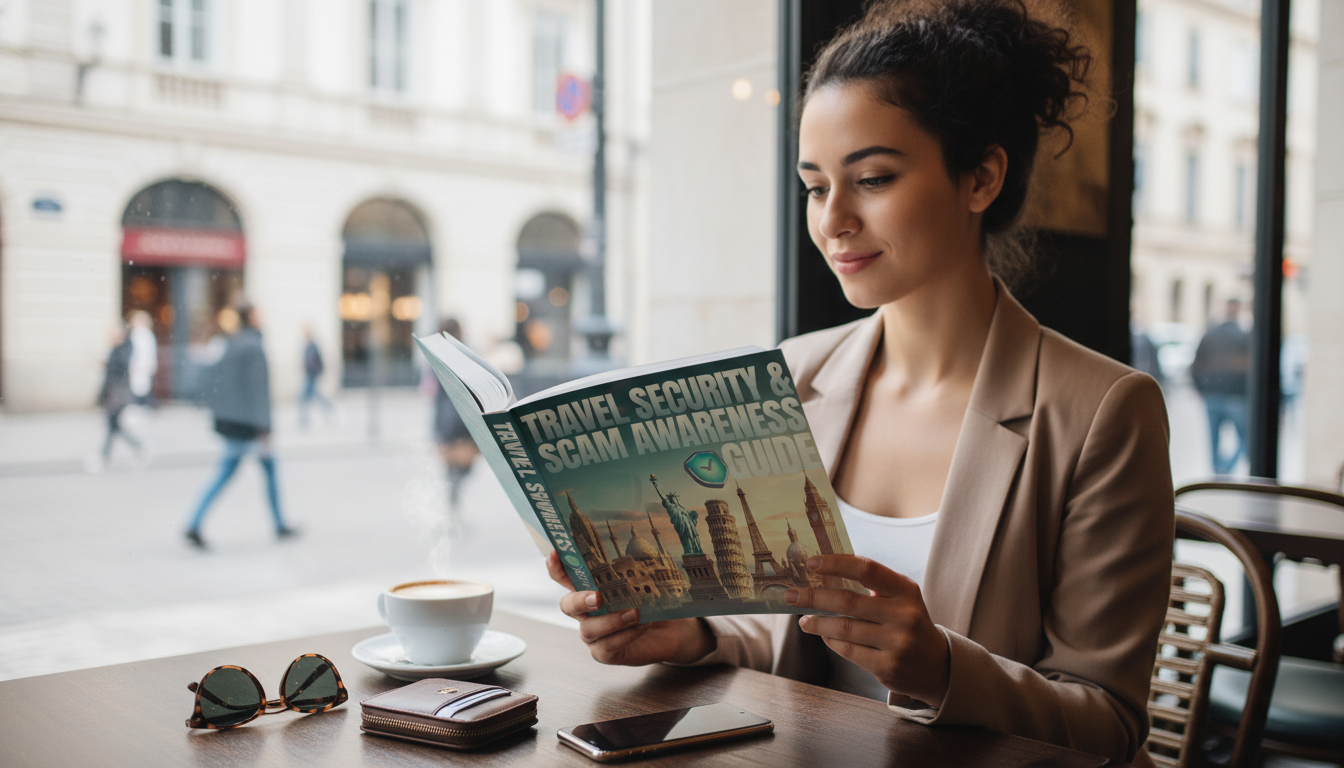
Travel risk usually comes from small, preventable moments: an overheard PIN, a “helpful” stranger steering a ride, a fake Wi‑Fi network, or a rushed decision after a delayed flight. This guide lays out practical steps to protect money, identity, devices, and personal safety before departure, in transit, and on arrival—without turning every interaction into a suspicion test.
Start with a simple travel risk plan
A basic plan reduces “decision fatigue” when something feels off. Before you go, decide what matters most, what you will never do, and how you’ll recover if a key item goes missing.
- Define what needs the most protection: passport/ID, phone (accounts + authenticator), primary payment method, and access to email.
- Set thresholds ahead of time: maximum cash to carry, when to say no to “assistance,” and what triggers an immediate exit (being isolated, being rushed, being asked to hand over the phone).
- Share an itinerary and check‑in cadence: send hotel name, flight numbers, and local emergency contacts to a trusted person.
- Prepare a “fail-safe” identity packet: scans of passport, visas, insurance, and key numbers stored in an encrypted vault and also printed in a separate bag.
Pre-trip digital setup that prevents most account takeovers
Most travel account compromises start with a stolen phone, a reused password, or an unlocked lock screen. A 30-minute setup at home can block the majority of common takeover paths.
- Update your OS and apps; enable full-disk encryption and a strong device passcode (not a short PIN).
- Turn on multi-factor authentication for email, banking, and social accounts; prefer authenticator apps or hardware keys over SMS when possible.
- Harden the lock screen: hide notification previews, disable voice assistant access when locked, and require biometric/passcode for wallet apps.
- Back up photos and critical files; enable “Find My”/remote lock and verify it works while still at home.
- Create a travel email alias for bookings and receipts; limit exposure of the primary email used for banking and password resets.
For deeper guidance on MFA, phishing, and account basics, use CISA’s Secure Our World as a trusted reference.
Wi‑Fi, SIMs, and public charging: safer defaults on the road
Connectivity is convenient—and a favorite attack surface. Default to simple rules that keep you moving without oversharing data.
- Avoid unknown public Wi‑Fi for banking and password changes; if needed, use a trusted VPN and confirm the network name with staff.
- Disable auto-join for Wi‑Fi and Bluetooth; forget networks after use to reduce “evil twin” reconnection risks.
- Use a reputable eSIM/SIM vendor; set a SIM PIN to reduce SIM-swap exposure if the phone is stolen.
- Prefer a wall outlet and a personal cable; for airports and shared hubs, consider a charge-only adapter to reduce data exposure.
- Keep hotspots private: strong password, WPA2/3 where supported, and turn it off when not in use.
Common travel scams and how to break the script
To stay current on identity theft patterns and reporting steps, bookmark the Federal Trade Commission’s scams and identity theft resources.
Money, documents, and physical carry strategy
For country-specific advisories, local requirements, and emergency planning, check the U.S. Department of State — International Travel pages before departure.
Fast reference: situation → safest response
| Situation | Red flag | Safer move |
|---|---|---|
| Someone offers to “help” at an ATM | Stands close; touches the machine | Cancel transaction, leave, use an indoor bank ATM |
| Wi‑Fi network matches the venue name | No password; multiple similar SSIDs | Ask staff for the exact SSID; use VPN; avoid sensitive logins |
| “Police” request passport/phone | Wants you to follow to an isolated spot | Ask to go to a station/desk; call local emergency number; present copy if appropriate |
| Taxi says meter is broken | Demands a high flat rate mid‑ride | Exit at a safe, populated area; use official taxi stand or app ride |
| Public USB charging station | Only USB ports available | Use wall outlet + own charger, or a charge-only adapter |
If something goes wrong: a 30-minute incident response
Business trips: extra protection for corporate accounts and meetings
A practical handbook to keep with your travel documents
If you want a single, structured reference with checklists, scam patterns, and step-by-step actions, keep Travel Security & Scam Awareness Guide | Digital Safety Handbook for Tourists, Solo Travelers & Business Trips accessible offline (downloaded to your phone/tablet) and store a copy with your travel paperwork.
For travelers who like building stronger recall under stress—PIN-free habits, quick checklists, and better “what was that gate number?” memory—Memory Boost Worksheets for Students & Adults | Printable Digital Download | Brain Training eBook, Memory Techniques, Study & Recall Tools can be a practical add-on for routines before departure.
If you’re funding a longer trip or padding your emergency buffer, Top 50 Side Hustles That Actually Pay | Digital Download PDF eBook | Side Hustle Ideas That Make Money | Gig Economy & Passive Income offers a structured way to explore extra income options without relying on last-minute travel “deals” that can carry higher risk.
FAQ
What should be done first if a phone is stolen while traveling?
Lock or wipe the phone remotely immediately, then change your primary email password first (to protect password resets). Next, suspend the SIM with your carrier and secure banking, travel, and social accounts while documenting a timeline for reports and insurance.
Is public Wi‑Fi safe to use with a VPN?
A VPN reduces risk, but it doesn’t eliminate it. Confirm the correct network name with staff, disable auto-join, and avoid sensitive logins like banking when mobile data is available.
How can solo travelers reduce scam risk without avoiding local interaction?
Use consistent boundaries: don’t accept rushed help, don’t hand over your phone/passport, and move conversations to staffed public places. Rely on official queues and service desks, then pause to verify routes, names, and prices before committing.











Leave a comment