5-Minute Screen-Free Study Reset for Calm Focus
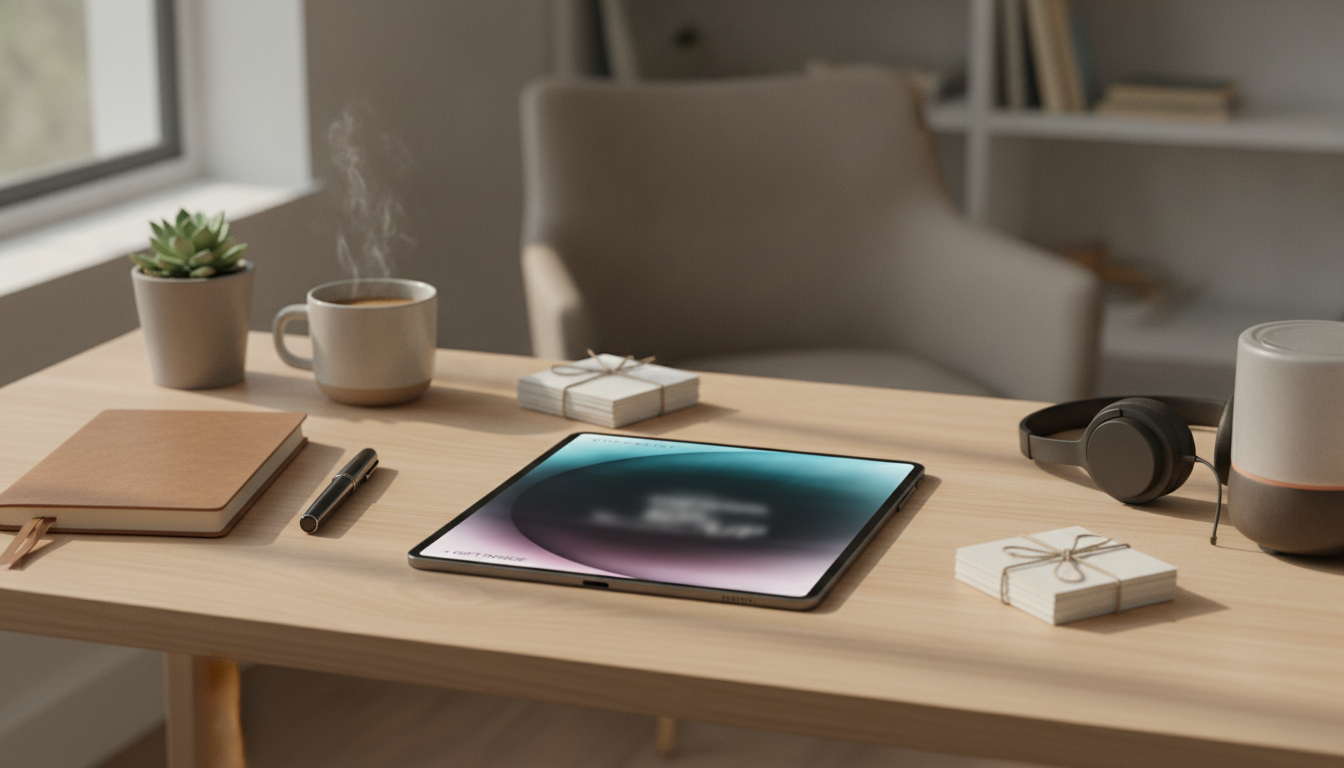
A Screen-Free Study Reset: Minimalist Checklist for a Calm, Focused Setup
A screen-free setup is less about removing technology completely and more about building a space and routine that make focused work the default. A minimalist reset reduces visual noise, limits digital pull, and helps your brain switch into “work mode” faster—without needing a perfect, tech-free life. The goal is a repeatable flow: reset → focus block → close-out, using paper cues that make starting feel automatic.
What “screen-free” really means for studying
“Screen-free” works best as a practical rule set, not an all-or-nothing challenge. The aim is fewer unplanned screen touches—fewer reflex checks, fewer tabs opened “just in case,” and fewer background videos that quietly split attention.
- Separate necessary screens from optional screens. Necessary screens are the ones required to submit assignments, access readings, or run specific software. Optional screens are scrolling, extra tabs, and entertainment layers.
- Use a start/stop ritual. When your routine is consistent, your desk becomes a cue. A quick reset signals “begin,” and a short shutdown tells your brain “we’re done.”
- Add friction to distractions. Put devices out of arm’s reach, silence notifications, and keep single-purpose tools on the desk so the default action is “work,” not “check.”
- Plan a realistic rule set. Many people do best with screen-free for reading and planning, and screen-light for writing, research, and submission.
Reducing digital noise can also support lower stress and better wind-down after study sessions—especially when late-night screen time creeps in. For background reading on stress and physiology, see the American Psychological Association’s overview of stress effects on the body.
The minimalist desk reset (5 minutes)
This reset is designed to be fast enough that you’ll actually do it. The key is clearing to “only essentials,” setting one visual anchor, and ending with a single written next action so you don’t drift when you sit down.
- Clear to only essentials: notebook/planner, one pen, current materials, water, and a timer.
- Wipe the surface and remove stray items that trigger task-switching (mail, cosmetics, gadgets).
- Set one visual anchor (lamp, book stand, or small plant). Keep it singular—no clusters.
- Place supplies in one container so you don’t rummage mid-block (pen, highlighter, sticky notes).
- End with one sentence on paper: “Next action: ____”
5-Minute Reset Checklist
| Minute | Action | Done |
|---|---|---|
| 1 | Remove everything not needed for today’s task | ☐ |
| 2 | Wipe desk + put one container for supplies | ☐ |
| 3 | Set paper tools: notebook/planner + pen open and ready | ☐ |
| 4 | Move phone out of reach; silence notifications | ☐ |
| 5 | Write the next action and start timer | ☐ |
Screen-free study space ideas that actually stick
A minimalist study space isn’t about aesthetics; it’s about reducing decisions. The fewer variables you have to “solve” each time you sit down, the more consistent your sessions become.
If late-night studying is part of your routine, managing light exposure can also help protect sleep timing. Harvard Health Publishing summarizes why blue light can interfere with sleep in Blue light has a dark side.
A paper-based focus flow for deep work (study reset routine)
Breaks are part of the system, not a reward. If you want a health-focused reminder for why consistent rest matters, the CDC’s sleep resources are a helpful reference: Sleep and Sleep Disorders.
Using a printable checklist and minimalist focus planner
Minimalist Focus Planner Page (Suggested Fields)
| Section | What to write | Example |
|---|---|---|
| Today’s priority | One outcome with a clear finish line | Draft thesis + 3 supporting points |
| Focus blocks | Number and length of blocks | 3 blocks x 35 min |
| Distraction capture | Quick notes to handle later | Reply to group chat after Block 2 |
| Break plan | One intentional break activity | Stretch + refill water |
| Shutdown | Next action for tomorrow | Find 2 sources + print excerpts |
Common friction points (and quick fixes)
A ready-to-print option for faster setup
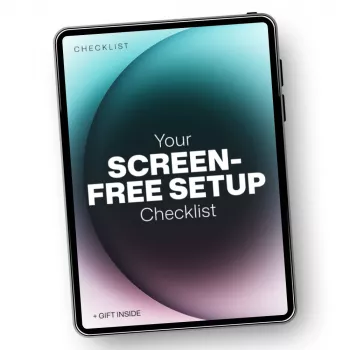
If decision fatigue is the biggest blocker, a printable can make the routine feel automatic. For a structured, screen-free flow that bundles the reset checklist and minimalist focus planner pages, see Your Screen-Free Setup Checklist – Minimalist Focus Planner, Printable Study Reset, screen free study space ideas.
If you also plan study content, project timelines, or posting schedules for school clubs or creator work, AI Prompts for Content Calendars | Digital Download eBook, Social Media Content Planner Prompts, AI Marketing Guide for Creators & Entrepreneurs can pair well with a paper-first routine: outline on paper, then sit down for a single-purpose “build” session on your computer.
FAQ
How can a screen-free setup work if assignments are online?
Use a “screen-light” rule: plan and outline on paper first, then go to the computer with a single-purpose intention (one site, one doc). Keep your phone out of reach, disable notifications, and return to paper for breaks and next-step planning.
What should be on the desk in a minimalist study setup?
Only what supports the current task: planner/notebook, one pen, the materials for the session, water, and a timer. Everything else gets stored off the desk so the surface becomes a focus cue rather than a decision pile.
How often should a study space be reset?
Do a 60-second reset at the end of each session and a 5-minute reset at the start of the next one. This keeps clutter from rebuilding and makes starting feel more automatic.









Leave a comment