Print a Family Activities Guide at Home: Best Settings
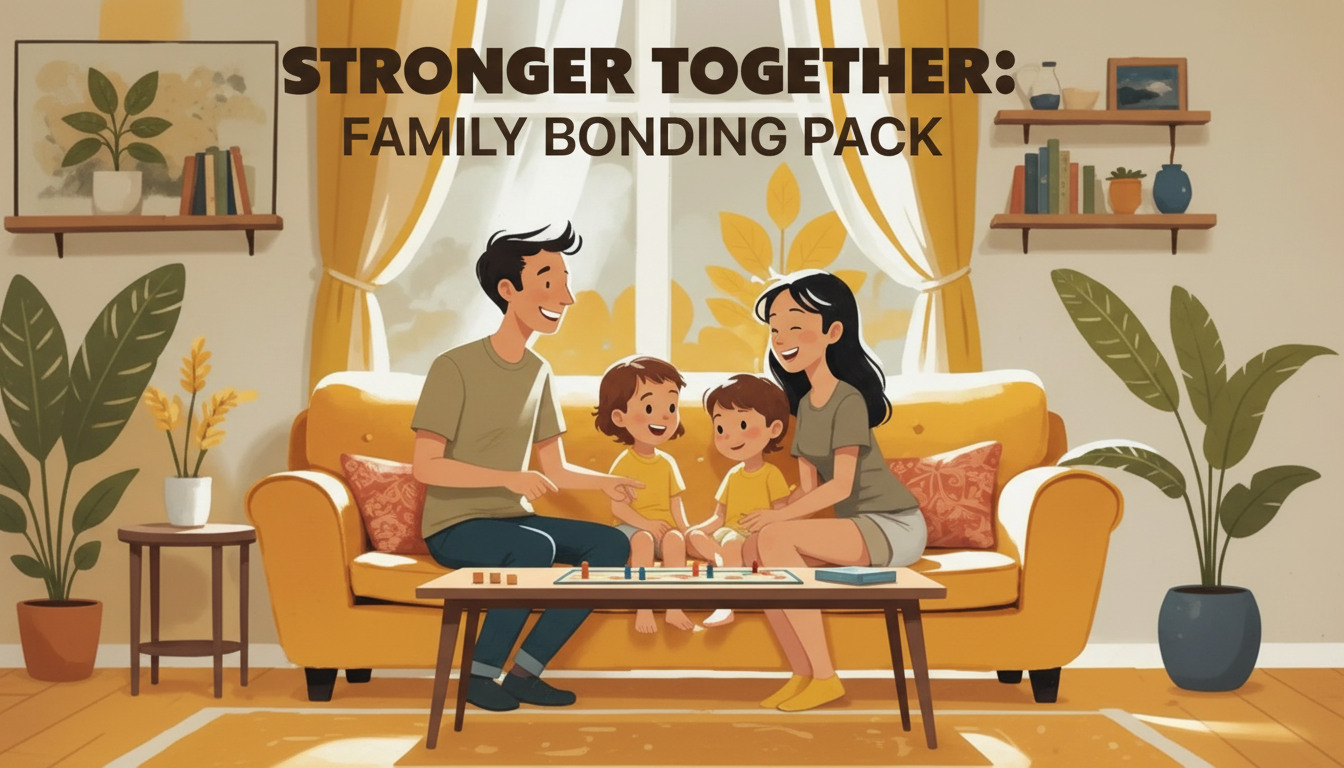
How do I print the family activities guide at home (paper size, color vs. black-and-white, and recommended settings)?
Printing a family activities guide at home is easiest when you start with the right paper size, choose a color approach that matches your printer and budget, and double-check a few key print settings before you hit “Print.” If you’re using the Stronger Together printable family bonding pack, the tips below will help you get clean, readable pages that are ready for family time.
Choose the best paper size
For most home printers in the U.S., use Letter size (8.5″ x 11″). In the print dialog, confirm the paper size matches what’s loaded in your printer tray. If your file offers multiple size options, pick the one that matches your paper to avoid unexpected cropping or extra margins.
Set scaling to “Actual size” or 100% when possible. If a page looks like it may be cut off, switch to “Fit to page” (or “Fit”) so everything stays inside the printable area.
Color vs. black-and-white: what to pick
Color printing is great for pages with visual cues, icons, or sections where color helps kids (and adults) scan quickly. If you want a more budget-friendly option, black-and-white (or grayscale) works well for activity instructions and writing prompts.
For the cleanest black-and-white result, select “Grayscale” (instead of “Black only”) if your printer offers it; this can preserve softer shading and improve readability.
Recommended print settings for a polished result
Use these general settings for most printable guides:
- Print quality: Standard or Normal (use High only if you’re noticing fuzzy text or you want extra crisp pages).
- Single-sided vs. double-sided: Single-sided is easiest for kids’ activities and cutting pages out. If you print double-sided, choose “Flip on long edge” for portrait pages.
- Margins: Keep default margins unless the guide specifically notes otherwise. Avoid “Borderless” unless your printer supports it well—borderless can cause slight zooming and trimming.
- Orientation: Auto or Portrait/ Landscape as designed. If something prints sideways, recheck the page orientation setting.
Before printing the whole guide, run a 1-page test print to confirm sizing, alignment, and ink density.
FAQ
What supplies work best with printable family activity pages?
Regular printer paper is fine, but slightly heavier paper (like 24 lb) feels sturdier for repeated handling. For interactive pages, keep pencils, crayons, markers, and a simple folder or binder to store completed activities.







Leave a comment